custom scenes & patterns
Save it as a concept so you can return to this direction.
Keep refining, or let Show Me point out where to save it.
Fine-tune the selected color direction
Choose a finished mural first. No upload or live generation is required.
When it arrives, every finding here will name its source, its market segment, the metric behind it, and the date it was gathered — and will be kept separate from Scénique's own design reasoning in Principles. It will never present Muralizer usage as industry evidence.
Add one inspiration image. No selections or build required — Muralizer creates a new, original painterly mural, composed to echo this image's layout.
Drag the crop box to reposition it, or use its side handles to trim one edge at a time.
Keeps the source character while refining it into a clear, hand-painted mural.
PeopleRemoves people, faces, and human figures even when they appear in the source.
Balanced guidance: moderate adherence to the reference's composition/layout.
Check which controls are actively competing with source authority.
Keeping the direction steady makes changes easier to compare. AI results can still vary.
Choose a deliberate degree of exploration for this image. The range does not guarantee how visually close the result will be.
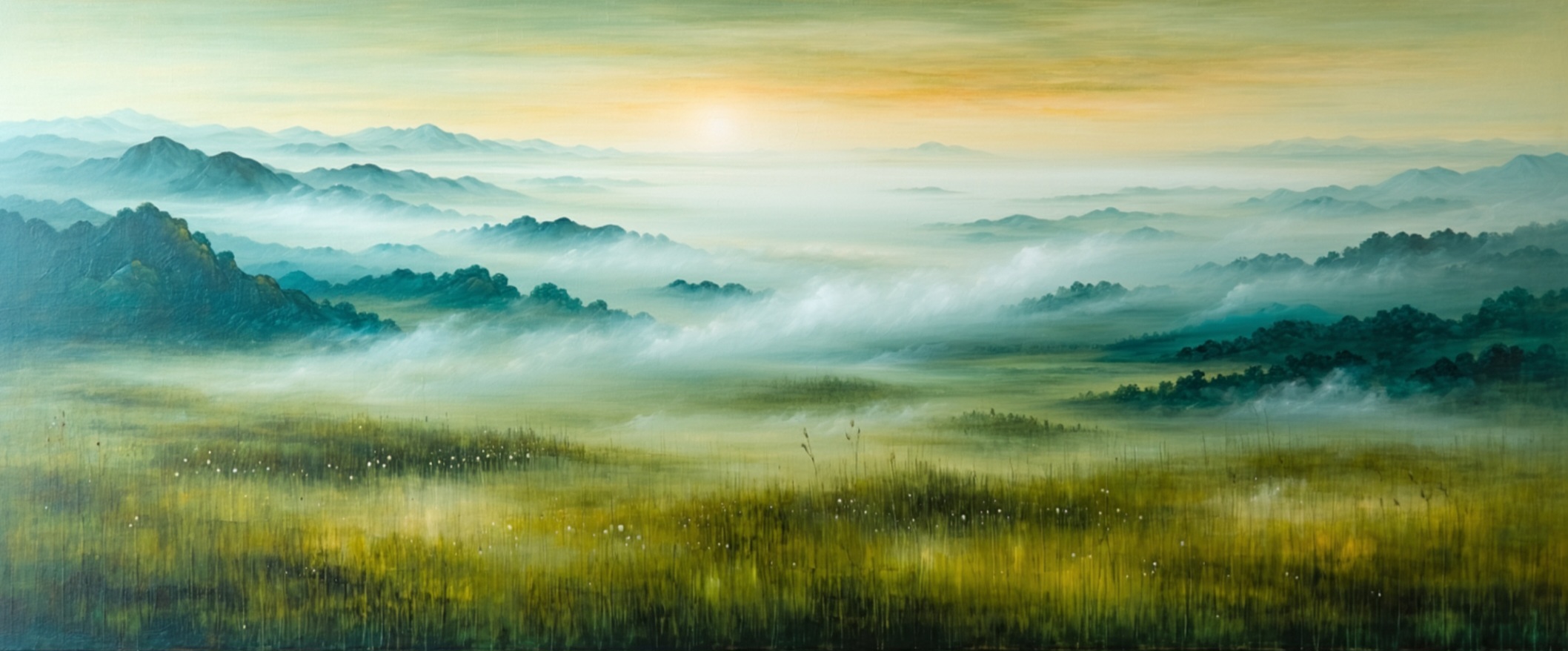
ReliefHue turns the shape and shading in an image into a 3D relief, so the starting image matters. Let's start with a smooth, directional ombré with soft brushwork and faintly undulating lines.
We've preselected for you - just click Muralize itthen freely explore the settings to your liking :)
When you like the result, press Open in ReliefHue: it saves the image under a client called ReliefHue first.